
CAD Build Update Process Improvement
As part of the IT team, I work with various CAD builds depending on client requirements. Initially, this process was manageable – clients would send an executable file to install their required build on AutoCAD or MicroStation, and I could quickly implement it.
The challenge emerged when clients updated their builds. Instead of providing a simple executable, they would send numerous scattered files that required manual placement in specific locations on the C drive, along with various variable changes. This manual intervention was increasingly inefficient.
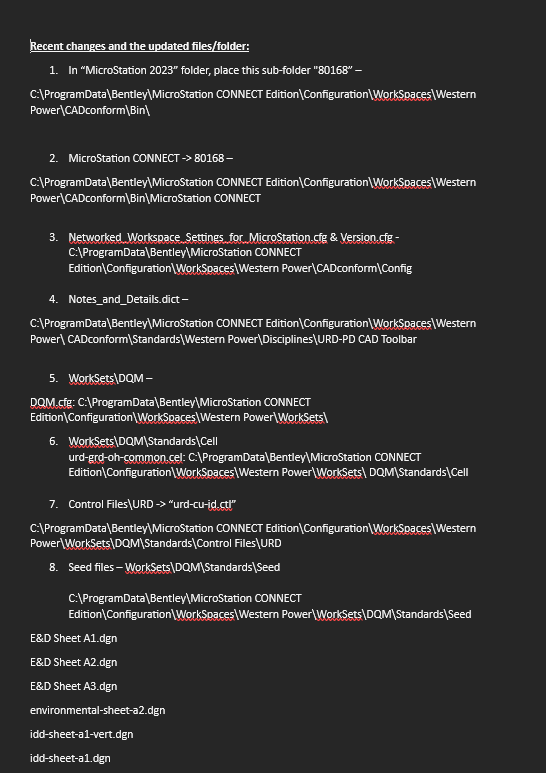
This process created several critical issues:
- It consumed an excessive amount of time – requiring implementation on every machine with that build
- Engineers experienced downtime while waiting for updates
- As part of the IT team, I was diverted from other priorities to manage these repetitive updates
I recognized the need for a more efficient approach, particularly since some updates required file placement across more than 10 different system folders.
My Solution
After experiencing this inefficiency repeatedly, I developed a streamlined approach. Rather than manually placing files, I implemented a new system:
- Creating custom executable files that automatically place all files in their required locations
- Hosting these executables on our JumpCloud SaaS platform
- Deploying updates to all required machines in the background
This approach fundamentally transformed our update process. Engineers no longer noticed updates occurring – eliminating downtime entirely. The IT team could now manage deployments centrally rather than configuring each machine individually.
Next, I utilize Inno Compiler to create a custom executable file. This tool enables packaging all scattered files together with precise instructions for placement. I can also incorporate any necessary variable changes or system adjustments.

After creating the executable, I upload it to JumpCloud, the SaaS platform used for device management. JumpCloud’s “push commands” feature facilitates software deployment across multiple machines simultaneously.
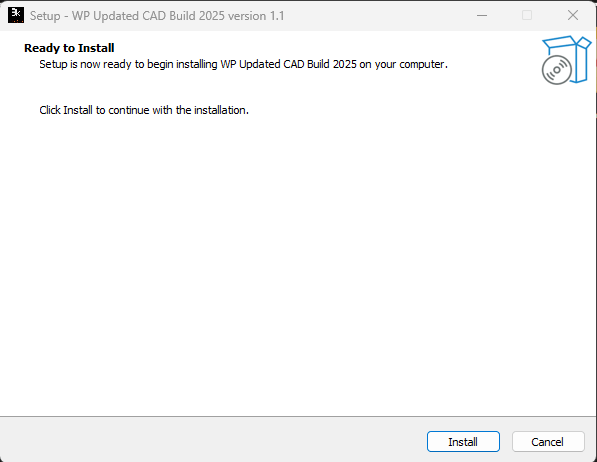
To complete the deployment process, I created a custom PowerShell script with the assistance of specialized automation tools. This script manages the execution and monitoring of the installation package, ensuring proper implementation across all targeted workstations while providing detailed logs for verification.
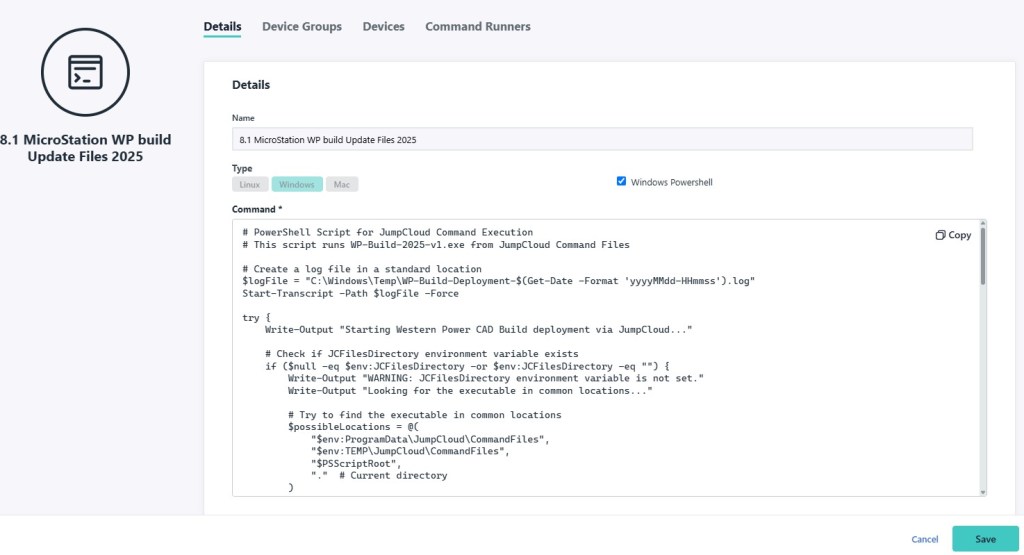
Finally, I schedule the rollout – typically during non-productive hours like lunch breaks – allowing the update to proceed automatically without supervision.
The Results
This new process has significantly improved operational efficiency. What previously required hours of dedicated IT time and caused substantial disruption now occurs seamlessly in the background.
Engineers have experienced increased productivity by eliminating update-related downtime. The IT team has reclaimed valuable hours previously spent on routine file copying tasks. Management has recognized the improvement in operational efficiency and reduction in workflow interruptions.
This solution represents a simple yet effective process improvement that has delivered measurable benefits to the organization.
 Isko3k - IT Specialist & Cybersecurity Practitioner